What it replaces
Coming soon for iPhone
The Cat Box
A calm working file for breeders who manage cats, litters, families, media, documents, updates, reminders, and the daily details that make a cattery run.
A little more time, a lot of care
Your cattery’s next chapter is coming soon.
We’re putting the finishing touches on The Cat Box for iPhone. A calmer home for your cats, litters, families, and everyday records is on its way.
The app isn’t available to download yet. Check back here for launch news and the App Store link when it’s ready.
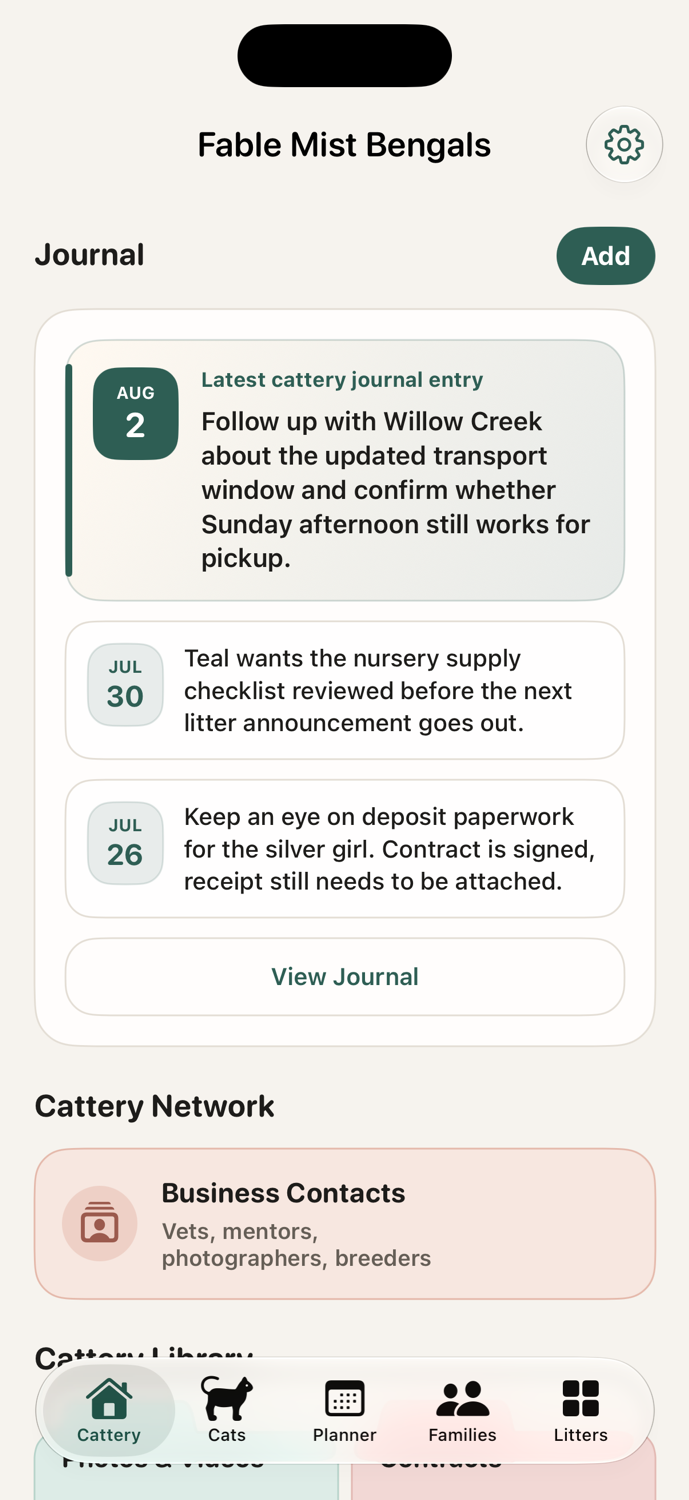
Explore the featuresThe Cat Box is built for day-to-day breeder work: capture quickly, keep personal camera rolls clean, share what families need, and keep each cat, litter, and family record easy to scan when the day gets busy.
What the app does
One place for the records breeders touch every week.
Cats
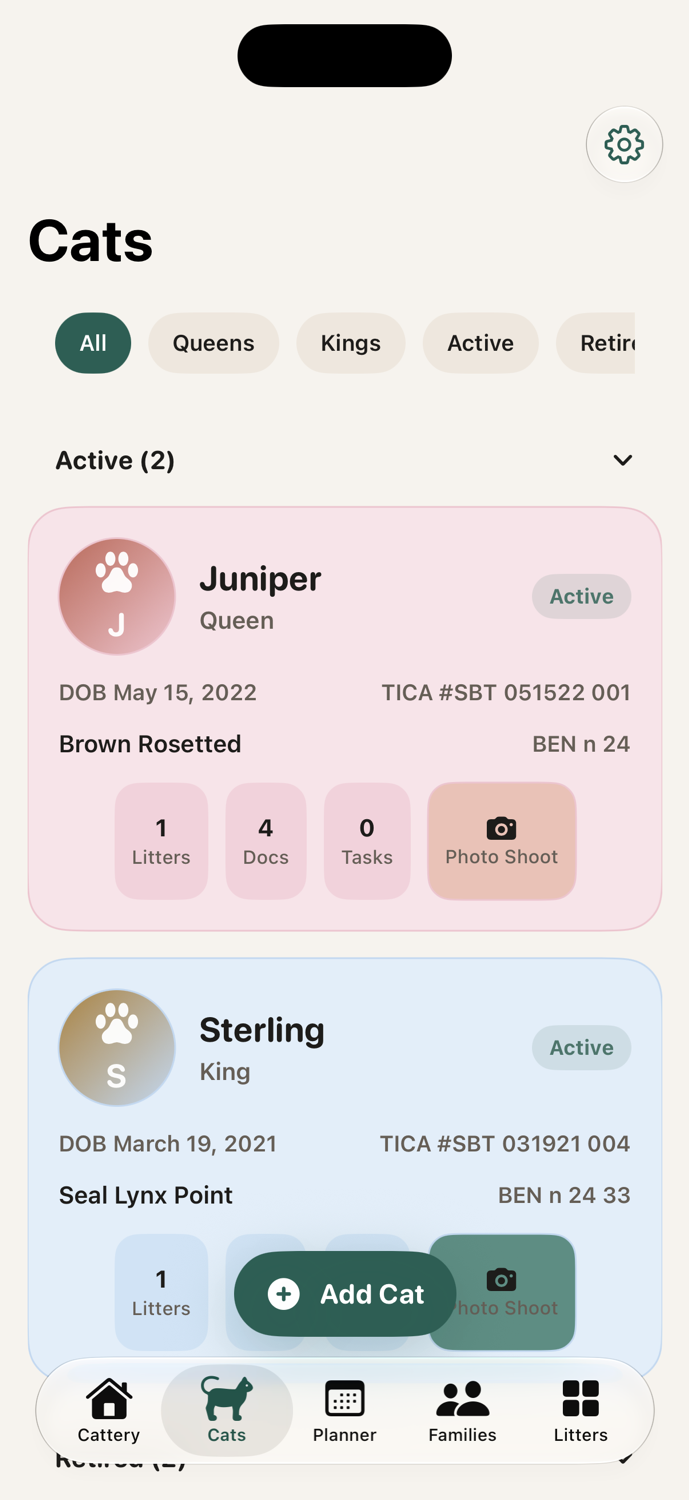
Keep each cat’s profile, media, notes, weight, heat cycles, tasks, and documents together.
Track core identity details, roles, status, photos, files, journal entries, visual weight history, heat cycle calendars, and care tasks without splitting context across separate apps.
Litters
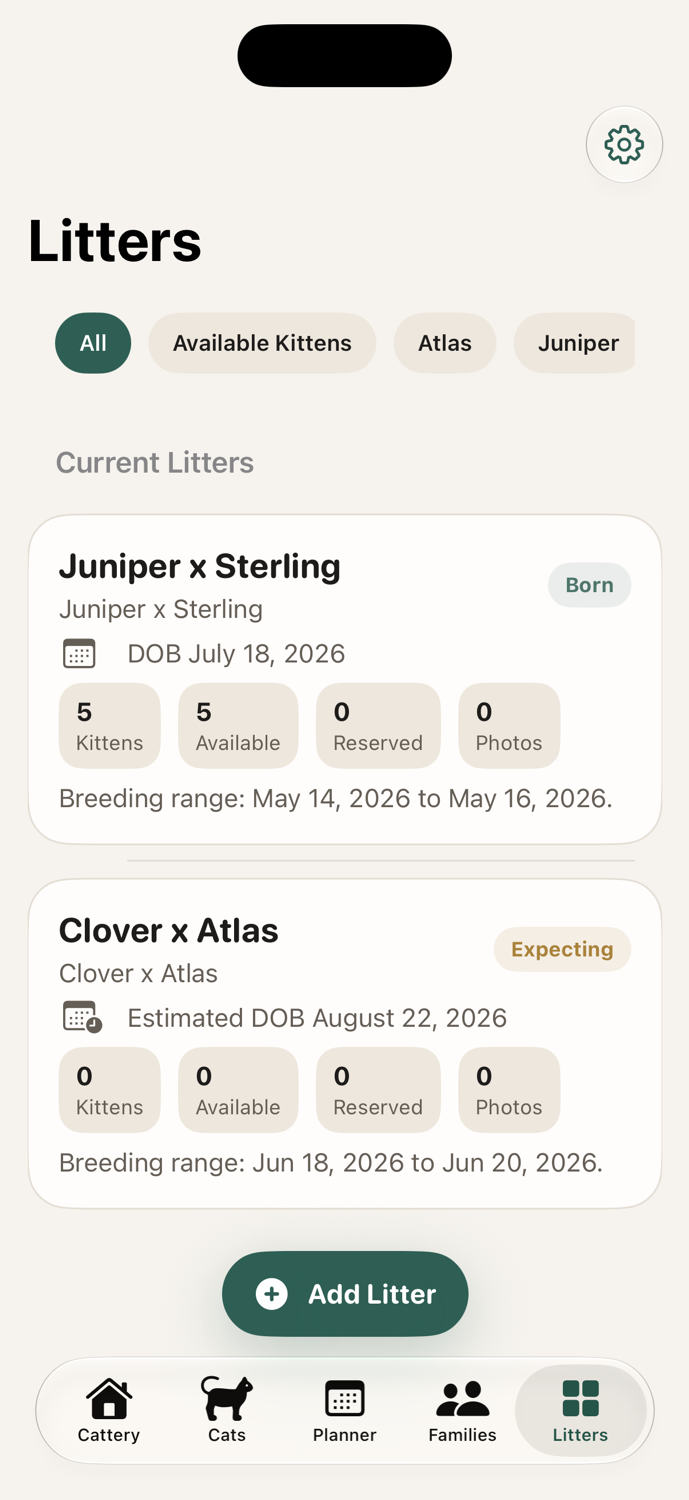
Track breeding windows, due dates, kitten counts, parents, and kitten records.
Families
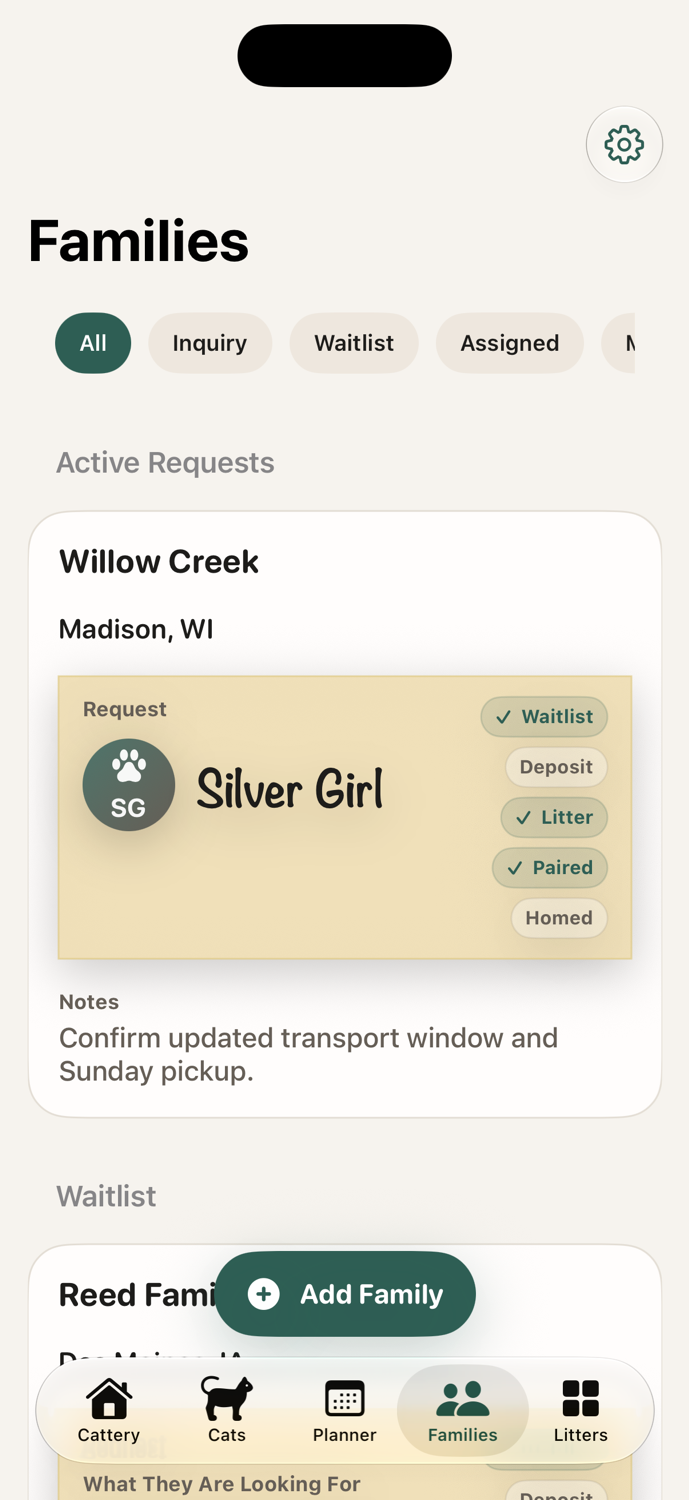
Manage inquiries, waitlist status, preferences, matches, payments, notes, calls, and texts.
Cat media
Start a camera session for a cat and save the photos directly to their media history.
Library
Store cattery-wide media, scanned paperwork, files, and links before they belong anywhere specific.
Planner
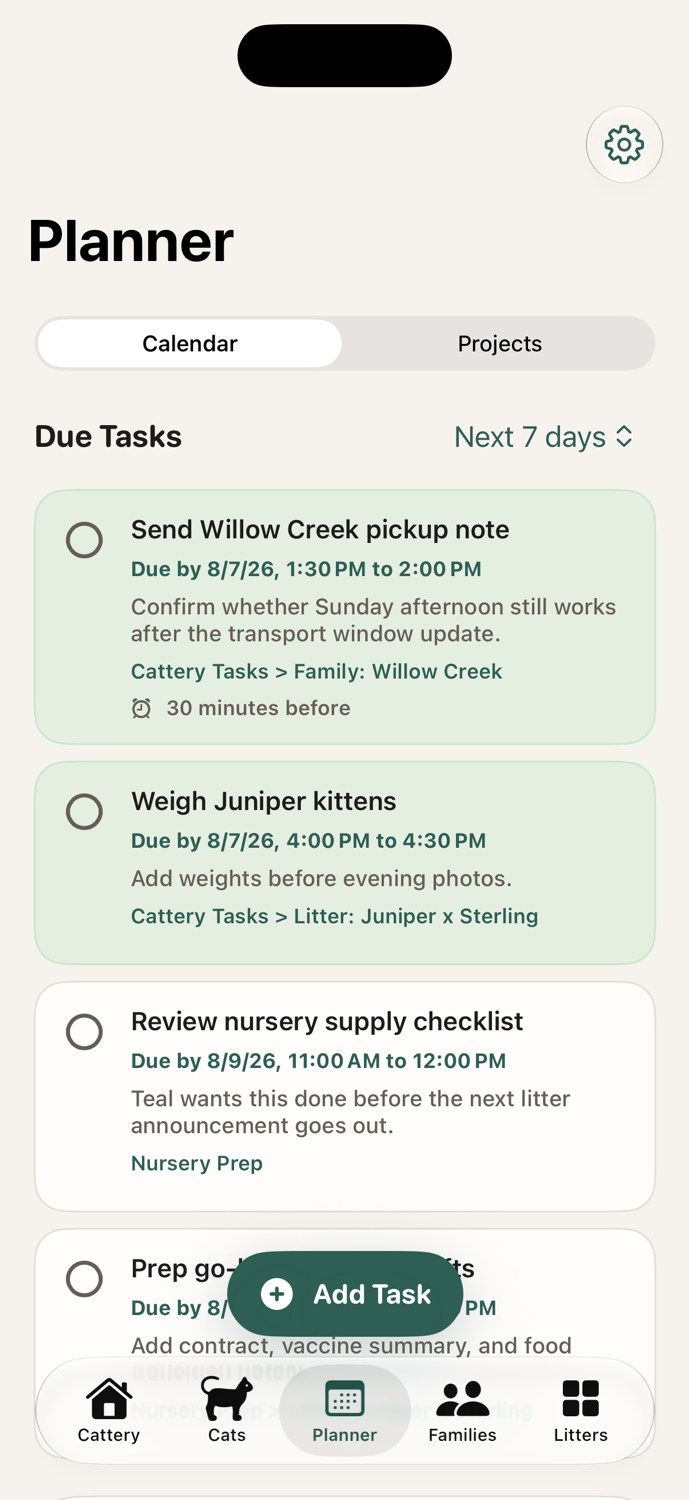
Create dated reminders and linked tasks for cats, litters, families, and cattery projects.
Newsletters
Turn recent notes, photos, cat profiles, and litter updates into polished shareable newsletters.
Import and share
Use the share extension, quick contact actions, and share sheets to move files and updates with less friction.
Backup
Keep records protected with iCloud sync plus manual backup export and import options.
Inside a record
Health, media, documents, and breeding history stay easy to review.
Each cat record gathers the day-to-day details breeders return to: weight changes, heat cycles, photos, videos, contracts, pedigrees, vet files, care notes, and sharing tools.
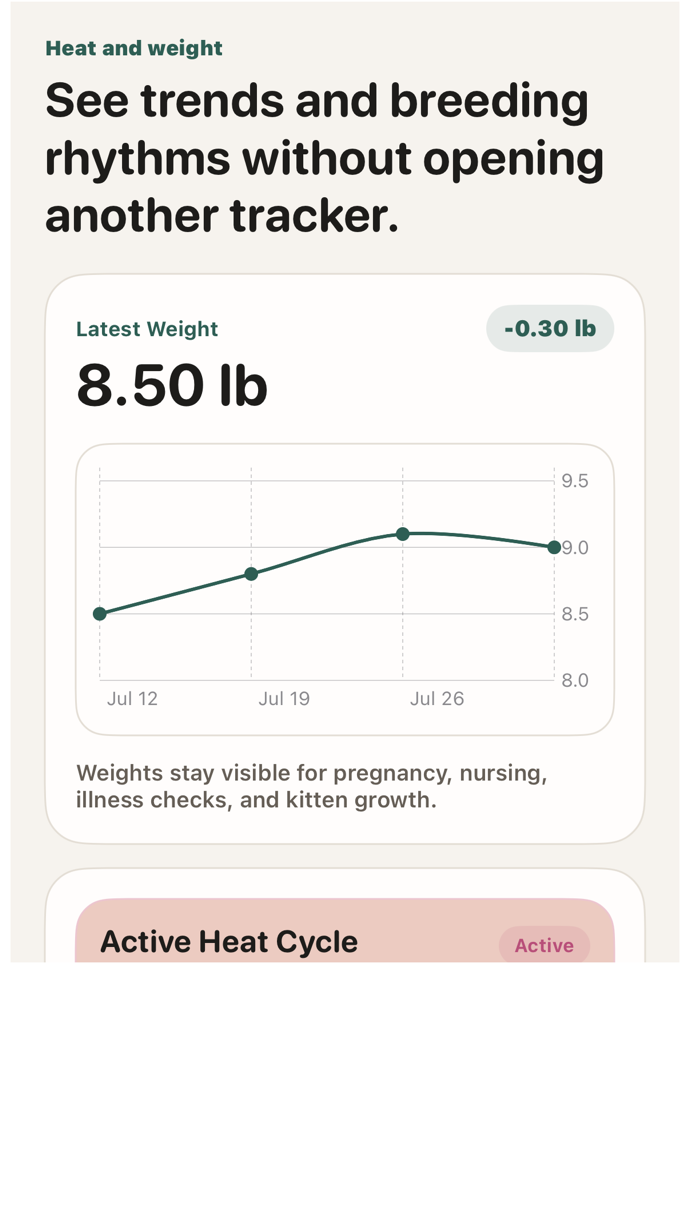
Heat and weight tracking
See the latest weight, trend, chart, active cycle, notes, and cycle history in one pass.
Useful for queens, kittens, pregnancy, nursing, illness, and breeding rhythm without keeping a second tracker open.
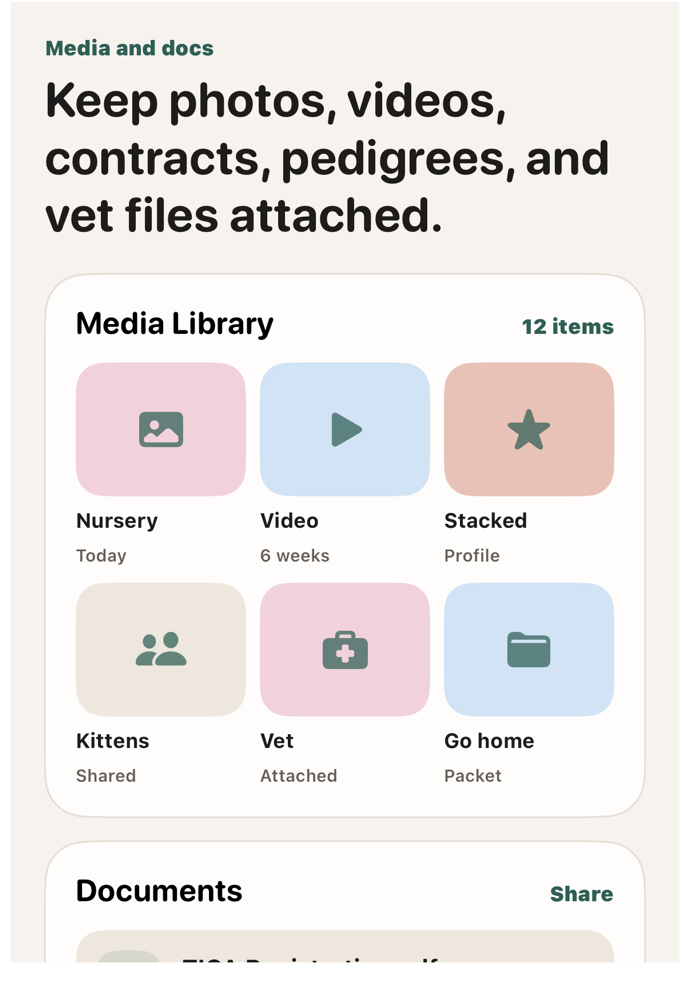
Media and documents
Photos, videos, contracts, pedigrees, vet files, links, and share actions stay attached.
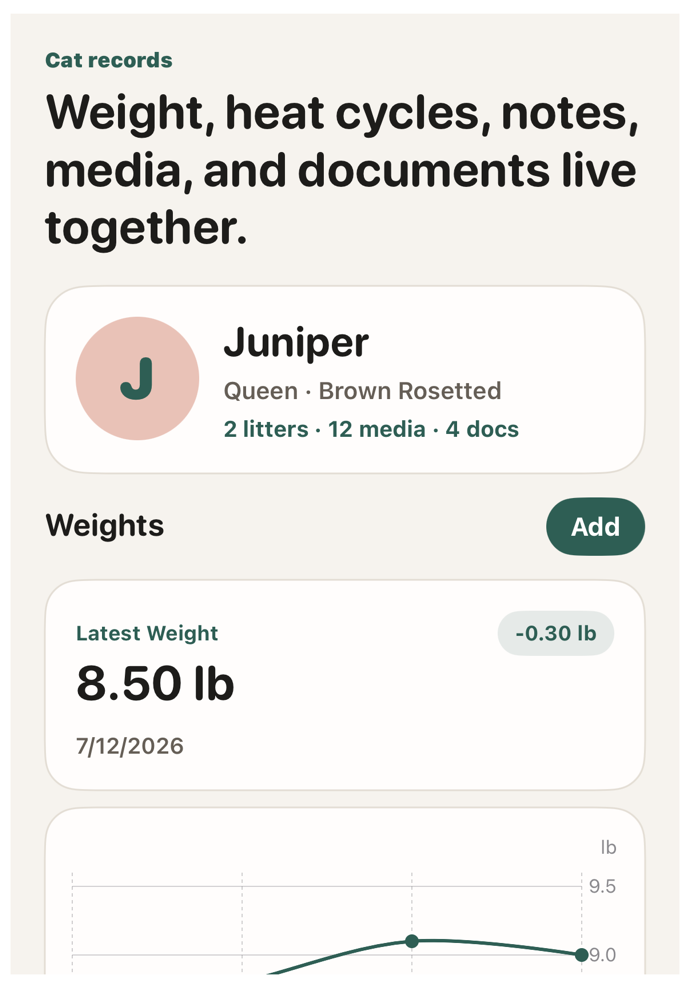
Working cat file
Profile details, roles, notes, reminders, litter context, media counts, and documents read together.
How it works
Guides for the flows potential users need to understand.
Start clean
Set the cattery name, choose the visual theme, then use Home as the inbox.
- 1Open Settings and set the cattery name used across the app.
- 2Choose whether cat cards show profile images.
- 3Add loose media, scans, links, and notes to the cattery library.
Build a working file
Create a cat record and keep the surrounding history attached.
- 1Add the cat’s role, registration details, color, birth date, and status.
- 2Attach profile photos, media libraries, pedigrees, contracts, and vet files.
- 3Use journal entries, weight history, cycles, and linked tasks for ongoing care.
Clean capture
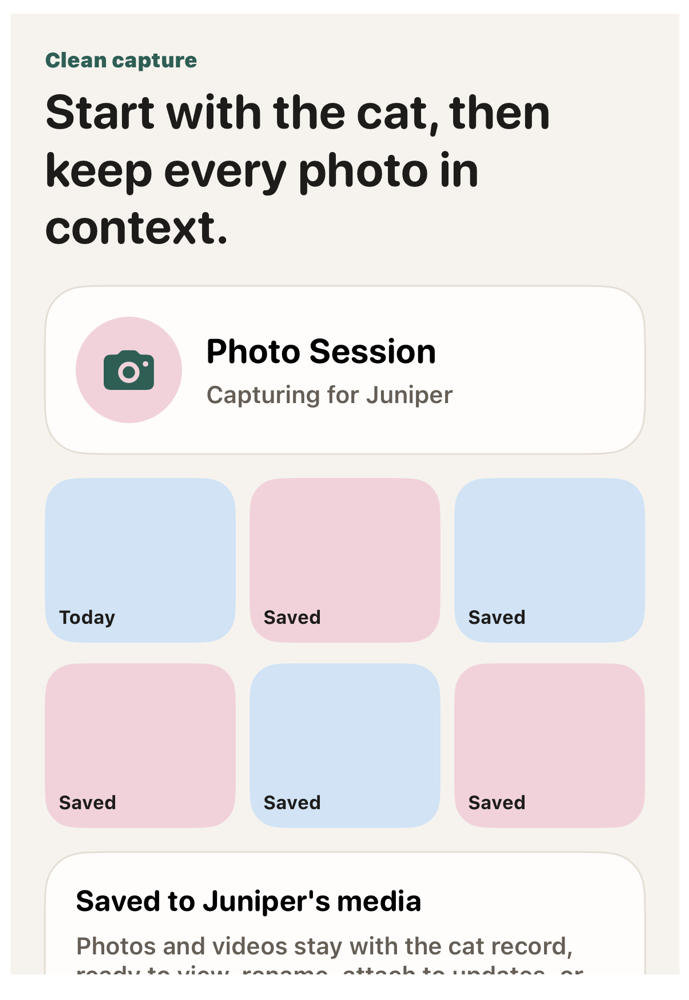
Start a photo session from a cat record and keep the media where it belongs.
- 1Open the cat and start a camera session when handling, grooming, or photographing kittens.
- 2Capture photos or videos without adding more clutter to the personal camera roll.
- 3Find the finished media in that cat’s photo and video history, ready to view, edit, or share.
Easy updates
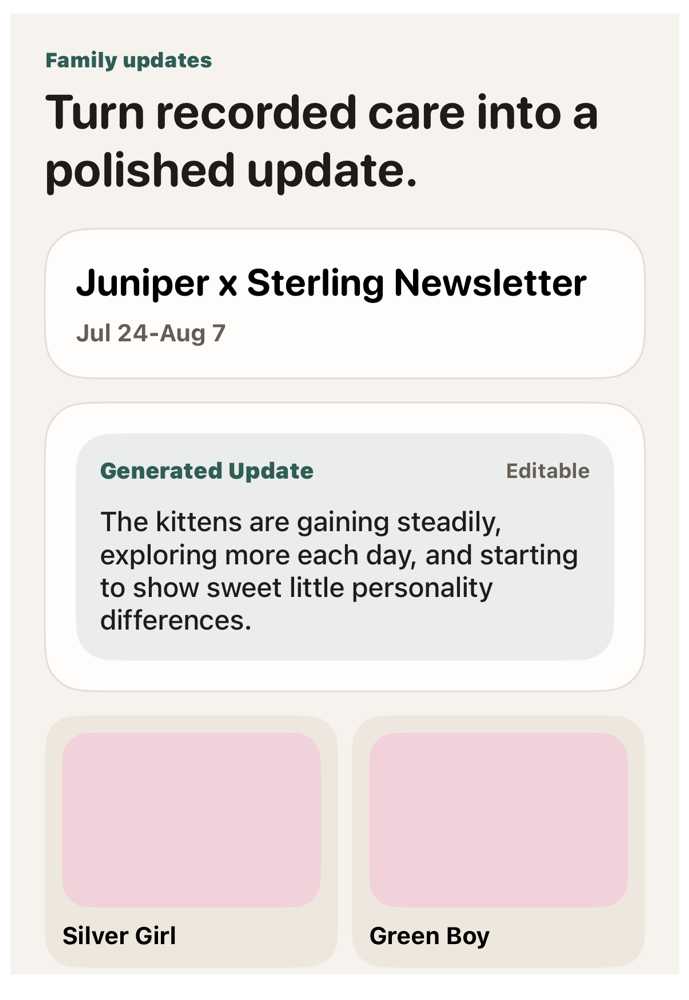
Build a family-ready newsletter from the work you already recorded.
- 1Start from the cattery, a litter, or a cat when you want to send an update.
- 2Pull in recent notes, images, cat profiles, and generated summaries.
- 3Edit the sections, export the finished update, and share it with families.
Less retyping
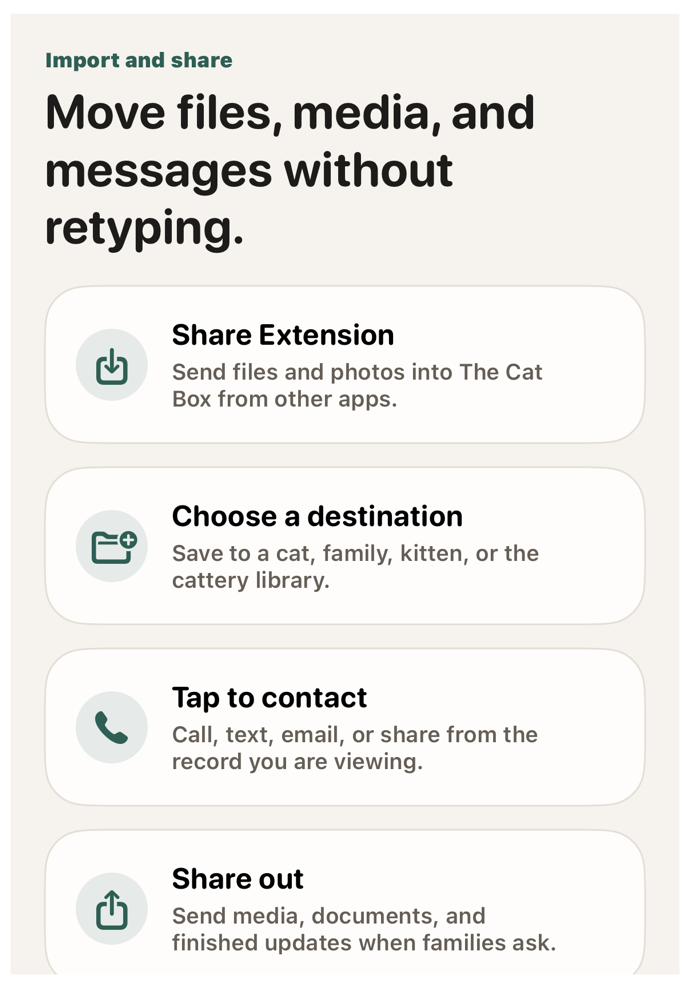
Import files from anywhere and share the finished pieces back out.
- 1Use the share extension to send photos, files, and documents into The Cat Box.
- 2Choose whether the item belongs to a cat, kitten, family, or the cattery library.
- 3Share media, documents, and updates from the records where that context already lives.
Match families carefully
Keep family preferences, litter interest, and kitten matches visible.
- 1Create the family record with status, contact details, notes, and preferences.
- 2Link family requests to the right litter and track deposit/payment context.
- 3Match kittens, mark completions, and keep the follow-up trail attached.
Records stay connected
The app is organized around how breeders actually remember their work.
Records can start wherever the day begins. A photo can be captured for one cat. A file can live in the cattery library before it is attached. A family request can later become a specific kitten match. Notes, tasks, updates, contacts, and backup data stay close to the record they explain.
Cattery
Cats
Litters
Families
Media
Documents
Tasks
Ready for real cattery work
Everything important has a place, and the useful pieces are easy to move.
Capture without cleanup
Take photos and videos for a cat from inside the app, then keep that media with the record instead of buried in a personal camera roll.
Share the right thing
Create newsletters, send media and documents, and tap to call, text, or email families and breeder contacts from the records you are already reviewing.
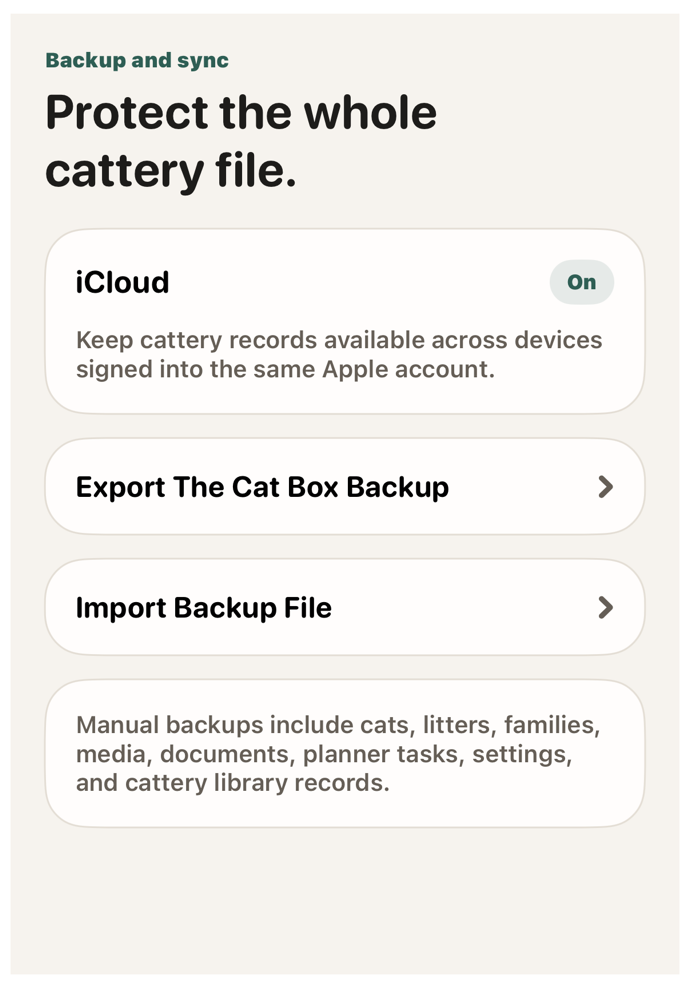
Protect the records
Use iCloud-backed storage for everyday continuity, with manual backup export and import when you want a separate copy of the whole cattery file.